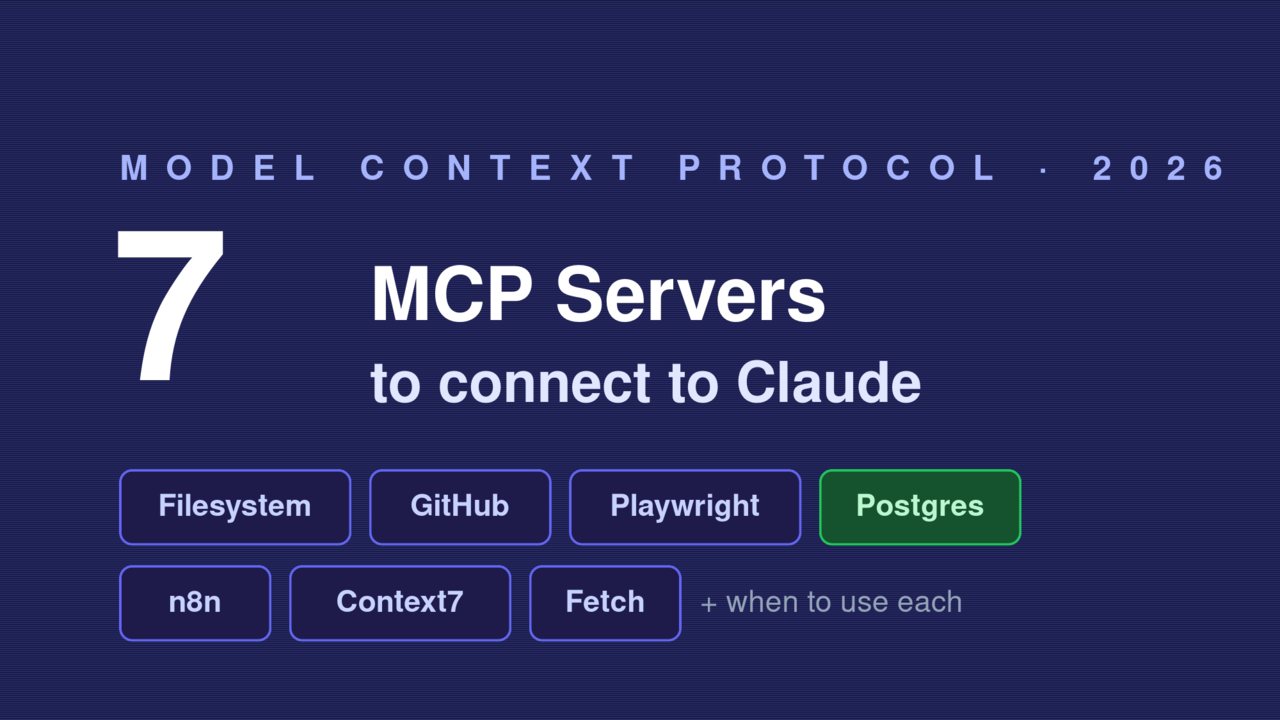
Connecting your first MCP server to Claude is a fun party trick. The real question is the one nobody answers: out of more than 10,000 servers now listed in the ecosystem, which handful actually earn a spot in your config? I’ve wired up a lot of them, kept five, and quietly removed the rest. This is the shortlist of the best MCP servers I’d connect in 2026, what each one is genuinely good at, and the one permission you should check before any of them touch your machine.
If you haven’t connected a server yet, start with my Claude MCP setup walkthrough — it covers where the config file lives and the errors that break it. This post assumes you can already add one, and focuses on which ones are worth it.
- Out of 10,000+ MCP servers, only a handful earn a permanent spot — start with Filesystem, GitHub, Playwright, Postgres, and Fetch.
- Each server is good at one thing: Filesystem for local files, GitHub for repos, Playwright for a real browser, Postgres for your database, Context7 for current docs.
- Add servers for the jobs you actually do, not for the novelty — every connected server widens what the agent can touch.
- Check the one permission each server requests before you connect it.
How to read this list#
Every server below falls into one of two buckets, and the bucket matters more than the logo. A local server runs on your machine as a subprocess with your permissions — fast, private, but it can touch your files. A remote server lives on the web behind a token. The diagram shows how one client fans out to both kinds at once.
There’s also a hidden cost: every connected server spends tokens just by existing. Each tool definition is loaded into context before you type a word, so ten servers can quietly burn tens of thousands of tokens per request. That’s why this is a shortlist, not a “connect everything” guide. Add servers in the order below and stop when your real work is covered.
1. Filesystem — the one everyone starts with#
If you add only one server, make it this. The Filesystem server is the most-used server in the whole ecosystem for a reason: it lets Claude read, write, list, and search files inside folders you whitelist — nothing else. Point it at a project directory and your assistant can finally see the code it’s helping you write.
Here’s the exact entry I drop into claude_desktop_config.json to give Claude read/write access to one project, plus the Fetch server from #7:
{
  "mcpServers": {
    "filesystem": {
      "command": "npx",
      "args": ["-y", "@modelcontextprotocol/server-filesystem", "/Users/you/projects/my-app"]
    },
    "fetch": {
      "command": "uvx",
      "args": ["mcp-server-fetch"]
    }
  }
}
Use it when you want the assistant grounded in real files instead of pasted snippets. The gotcha: it runs with your permissions, so only whitelist the directories you’d be comfortable handing over. Never point it at your home folder.
2. GitHub — your repos, issues, and PRs#
This is the first server most developers actually feel in their day job. GitHub’s official MCP server (github/github-mcp-server) exposes repos, issues, pull requests, and code search, so you can ask Claude to triage stale issues or draft a PR review against real data. You can run it remotely at https://api.githubcopilot.com/mcp/ with OAuth, or locally via Docker with a token.
Use it when you live in pull requests and issues. My strong recommendation: start with the --read-only flag and a fine-grained token, because a write-capable agent on your repos is a different risk class. I keep the repos, issues, and pull_requests toolsets on and leave actions off until I need it. For the full setup, see my GitHub MCP Server tutorial.
3. Playwright — a real browser for your agent#
When your assistant needs to do something on the web, not just read about it, Playwright is the answer. Microsoft’s Playwright MCP server drives a real browser using accessibility snapshots — a structured tree of the page — instead of screenshots, so there’s no vision model in the loop and actions are precise.
Use it when you want the agent to fill forms, click through a flow, or scrape a page that needs JavaScript. The honest gotcha is cost: a single browser task can run around 114,000 tokens through MCP, and Microsoft now recommends the Playwright CLI for heavy coding-agent work because it uses roughly 4x fewer tokens. Connect the MCP server for interactive sessions; reach for the CLI when you’re automating in bulk.
4. Postgres — talk to your database#
A database server turns “write the SQL, run it, paste the result” into one sentence. A Postgres MCP server lets Claude inspect your schema and run queries, so you can ask “which users signed up last week but never logged in?” and get an answer instead of a query to copy.
Use it when you explore data more than you’d like to admit. The rule I never break: keep it read-only. Most good Postgres servers default to read-only, and you should leave it that way — an agent with write access to production is a story that ends badly. Note that the original reference Postgres server is now archived. Pick an actively maintained one from the official registry, and point it at a read replica if you have one.
5. n8n — automate multi-step workflows#
This one punches above its weight. The n8n-MCP server (czlonkowski/n8n-mcp) gives Claude deep knowledge of n8n’s automation platform — roughly 1,800 workflow nodes and a library of 2,700+ templates — so the agent can actually design and wire up multi-step automations for you, not just talk about them.
Use it when you want “when a form is submitted, summarise it and post to Slack” built for you instead of clicking it together by hand. The gotcha: it’s most useful if you already run n8n or are willing to, and the agent still proposes workflows you should review before activating. I treat its output as a strong first draft, never a finished automation.
6. Context7 — current docs, not 2023 hallucinations#
If you’re tired of your assistant inventing API methods that were removed two versions ago, this fixes it. Context7, maintained by Upstash, pulls current, version-specific documentation for thousands of libraries straight into the prompt. It resolves a library name to an ID, then injects the matching docs at query time.
Use it when you work with fast-moving frameworks where the model’s training data is stale. In my experience it’s the difference between a snippet that runs and one that throws an import error. The limitation is honest and small: it only helps for libraries it has indexed, and it adds a step (and a few tokens) to each query — well worth it when you’re on the latest release of something.
7. Fetch — clean web pages into the model#
The quiet workhorse. The official Fetch server grabs a URL and converts the page into clean markdown the model can actually read, stripping the navigation and ad cruft. It’s tiny, safe, and pairs with everything else.
Use it when you want Claude to read a specific doc, changelog, or article you link it to. Unlike Playwright, it doesn’t run JavaScript or click anything — it just fetches and converts, which is exactly why it’s cheap and low-risk. I keep it connected permanently; it’s the server I never think about removing.
Every MCP server you add can see whatever you grant it. Install from official or well-known sources, start with read-only scopes, and skip servers you can’t inspect — a convenient server with broad access is still a supply-chain risk.
Honourable mentions — and what to skip#
A few more are worth knowing. Memory gives the assistant a persistent knowledge graph across sessions, Sequential Thinking structures harder reasoning, and Slack is handy if your team lives there. I’d add them only when you hit the specific need they solve.
What I’d skip for now: don’t connect ten servers “just in case.” Each one taxes your context window and widens what your assistant can touch, so an unused server is pure downside. And be cautious with niche community servers that have few stars and no auth — before connecting any third-party server, it’s worth knowing exactly what it can reach.
Which MCP servers should you connect first?#
If you do nothing else, connect Filesystem and Fetch today — they’re safe, instant, and useful in almost every session. Add GitHub (read-only) the moment you want AI on your repos, then reach for Playwright or Context7 when a real task demands a browser or fresh docs. Everything else is need-driven, not default.
Which servers made your config — and which did you connect and then quietly delete? Tell me in the comments. And before you wire up anything from a source you don’t fully trust, read Are MCP Servers Safe? Security Risks & How to Lock Them Down first.
Read next: What Is an MCP Server? Complete Guide for Developers (2026) — the protocol explained end to end. Related: Claude MCP Setup: Connect a Server to Claude Desktop.
