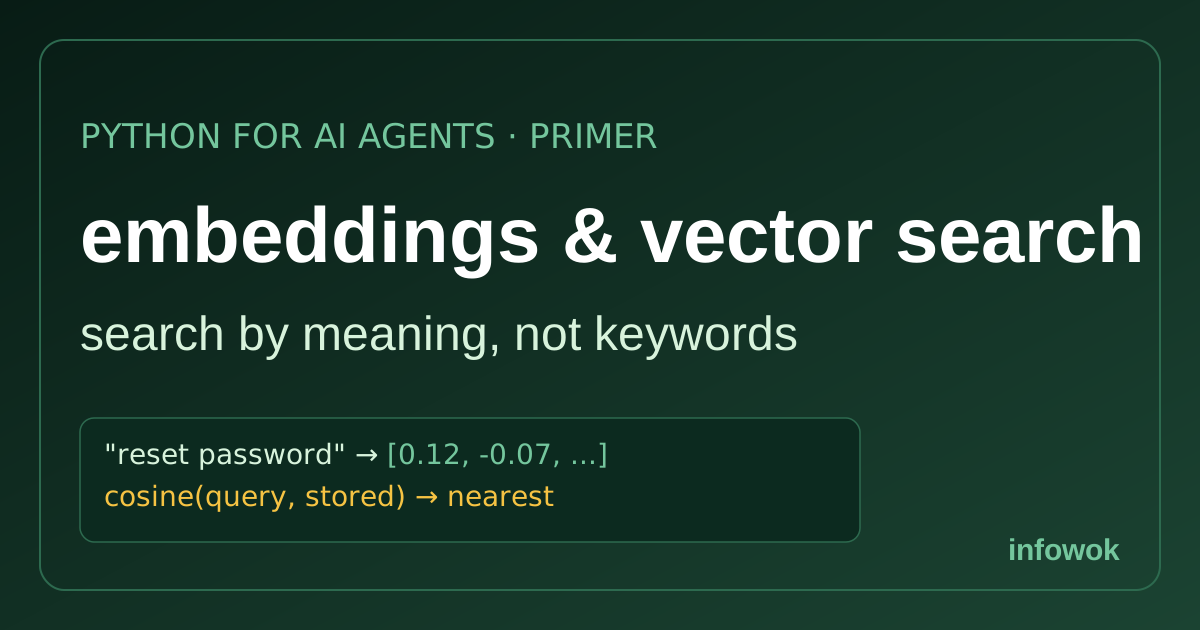
Agent memory and RAG tutorials casually drop “embed it and do a vector search,” then move on as if that were obvious. If embeddings have always been a hand-wave, the parts of an agent that remember and retrieve never fully click. This vector search and embeddings primer explains the idea plainly, so semantic memory stops being magic.
The core trick is small and genuinely clever: turn text into numbers that capture meaning, then find related text with arithmetic. You don’t need the linear algebra to use it — just the mental model of what a vector is and what “closest” means. Let’s build that.
- You can read a Python list and call a function — new to that? The Python for AI agents primer covers the basics
- That’s it — no maths or machine-learning background needed
- An embedding is a vector of numbers that captures a text’s meaning — similar meanings land close together.
- Vector search finds the nearest vectors to your query — matching meaning, not exact keywords.
- Similarity is just math (usually cosine), so “find related text” becomes “find the closest vectors.”
- Agent memory and RAG run on this — store text as embeddings, retrieve by meaning even when the wording differs.
What an embedding actually is#
An embedding is a list of numbers — a vector — that represents the meaning of a piece of text. A model reads “the cat sat on the mat” and returns something like [0.12, -0.07, 0.91, ...], often hundreds or thousands of numbers long. The magic isn’t any single number; it’s the positions. Text with similar meaning produces vectors that sit close together in that space, and unrelated text lands far apart (OpenAI embeddings).
So “how do I reset my password” and “I can’t log in” end up near each other even though they share almost no words. That’s the whole point: embeddings turn meaning into position, which means you can compare meaning with arithmetic instead of matching strings.
An embedding maps text to a point in space where distance equals dissimilarity. Close vectors mean similar meaning — that’s what makes everything else work.
Vector search: finding meaning with math#
Once text is vectors, vector search is simple: embed your query, then find the stored vectors closest to it. “Closest” is measured with a similarity score — most often cosine similarity, which compares the direction of two vectors and returns a number from -1 to 1, where higher means more alike.
# tiny in-memory version — no database needed
import numpy as np

def cosine(a, b):
    return np.dot(a, b) / (np.linalg.norm(a) * np.linalg.norm(b))

query_vec = embed("how do I reset my password")          # your model embeds it
scores = [(cosine(query_vec, v), text) for text, v in store]
best = sorted(scores, reverse=True)[:3]                  # top 3 by meaning
That’s the entire mechanism: embed the query, score it against every stored vector, return the highest. “Find related text” has become “find the nearest vectors” — a search by meaning, not by spelling. For a handful of items, a few lines of NumPy is genuinely all you need.
When you need a vector database#
The in-memory version above works beautifully until you have a lot of vectors. Comparing a query against ten items is instant; against ten million, the brute-force loop is too slow. That’s when a vector database earns its place — it indexes vectors so it can find the nearest ones fast, without checking every single one (what is a vector database).
Start in memory, reach for a vector store when scale or persistence demands it. Many agent frameworks blur the line: LangGraph’s memory store has built-in vector search, so you often get embeddings and retrieval in one place without standing up a separate database. The decision is about volume and durability, not correctness — the matching idea is identical either way.
You rarely compute embeddings by hand. Call an embeddings API (OpenAI, Cohere, Google) or run a local model via Sentence Transformers. One function in, a vector out — the same shape regardless of provider.
Why agents lean on embeddings#
Here’s where it pays off. Two of the most useful agent features are really the same vector-search move. Long-term memory stores facts about a user as embeddings and recalls them by meaning, so an agent remembers “I deploy on Fly.io” even when you later ask “where do I ship?” — different words, close vectors. RAG (retrieval-augmented generation) embeds your documents and pulls the most relevant chunks to ground an answer in real sources.
Both are “embed it, store it, retrieve the nearest by meaning.” The agent memory tutorial builds exactly this — a store that searches by meaning with embeddings — and once you read it as vector search, the semantic-memory section stops being a leap of faith.
Quick recap#
The whole primer, in five lines:
- An embedding is a vector of numbers capturing a text’s meaning; similar meanings sit close.
- Vector search embeds your query and returns the nearest stored vectors.
- Similarity is math (cosine), so related text = closest vectors.
- Start in memory; add a vector database for scale and persistence.
- Agent memory and RAG are both “store as embeddings, retrieve by meaning.”
Frequently Asked Questions#
What are embeddings? Vectors of numbers that capture a text’s meaning; similar meanings produce nearby vectors, so you compare meaning with math.
What is vector search? Embedding your query and returning the stored items whose vectors are closest in meaning, scored with something like cosine similarity.
Do I need a vector database? Not for small data — in-memory NumPy works. A vector store earns its place at thousands-plus items or when you need persistence.
How do they power memory and RAG? Both store text as embeddings and retrieve by meaning — memory recalls user facts, RAG pulls relevant documents.
Conclusion#
Embeddings turn text into points in space where closeness means similar meaning, and vector search is just “find the nearest points.” That’s the whole foundation under agent memory and RAG — no linear algebra required to use it, only the picture of meaning as position. Read “embed it and do a vector search” as “store the meaning, then find the closest,” and the parts of an agent that remember and retrieve finally make sense.
What would you most want an agent to recall by meaning — past chats, your docs, product data? Tell me in the comments.
- Need the Python basics? The Python for AI agents primer covers lists and functions.
- Build it for real: the agent memory tutorial stores and retrieves facts by meaning.
- New to agents? Start with What are AI agents? for the bigger picture.
