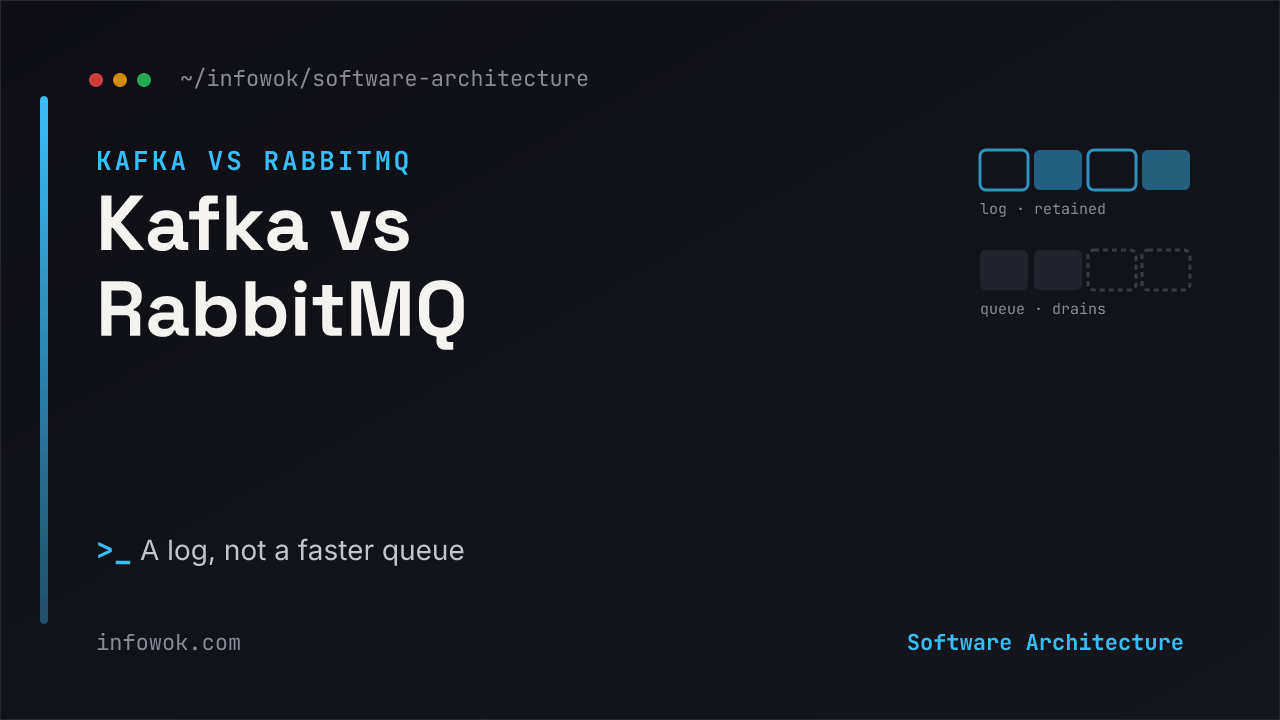
“Kafka is basically a faster message queue” is the most confidently wrong sentence in system design. It sends teams reaching for Kafka whenever traffic looks scary, and reaching for RabbitMQ whenever it doesn’t — as if the two sat on a single speed dial.
They don’t. The real Kafka vs RabbitMQ decision isn’t fast versus slow. It’s a log versus a queue — two different data models that happen to both move messages between services. Get that distinction and every other difference (replay, fan-out, routing, retention) stops being trivia and becomes a consequence you can predict.
This post is part of the System Design Foundations series, anchored by the System Design Building Blocks overview. By the end you’ll have a one-line test for which one a system needs, and you’ll stop choosing message infrastructure by throughput number alone.
- RabbitMQ is a queue that forgets; Kafka is a log that remembers. RabbitMQ deletes a message once it’s acknowledged; Kafka retains it so any consumer can replay it.
- Throughput is the wrong axis. Pick on the data model — do many independent consumers need the same events, and will you want to replay them?
- “Both” is a normal answer. Kafka as the durable event backbone, RabbitMQ as the task queue for the work those events trigger.
The One Difference: A Queue Empties, a Log Remembers#
Strip away the marketing and the whole comparison lives in one picture. A queue
holds messages until someone processes them, then removes them — the message’s job is to be consumed once and disappear. A log
is an append-only record: messages are written in order and kept, and readers track their own position in it. Consuming doesn’t delete anything.
Look at the right side. Two consumer groups read the same log at their own pace, and the messages stay put for the next reader — or for the same reader to replay tomorrow. On the left, once the consumer acknowledges a message, it’s gone. That single design choice — delete on consume versus retain and replay — is the parent of every other difference below.
RabbitMQ: A Smart Broker That Routes and Forgets#
RabbitMQ is a mature message broker built around AMQP. Producers publish to an exchange, and the exchange routes copies into queues using bindings — direct, topic, fanout, or headers. Consumers subscribe, and once a consumer acknowledges a message, the broker removes it from the queue. RabbitMQ’s own AMQP model guide lays this out: the broker is the smart part, and the message is transient by design.
That makes RabbitMQ excellent at where should this message go and who should do the work. Its routing is genuinely rich — you can express “send payment events to the billing worker, but broadcast config changes to everyone” without writing that logic yourself. It’s low-latency, it pushes work to consumers as it arrives, and for classic task-queue patterns it’s the most flexible general-purpose broker around. What it is not built for is keeping a long history you can rewind.
Kafka: A Durable Log You Can Replay#
Kafka is a distributed, partitioned, append-only commit log. Producers append records to a topic, which is split into partitions for parallelism; consumers read forward and track an offset — their bookmark into the log. Per the Apache Kafka documentation, records are retained for a configured period whether or not anyone has read them, so consuming a message never removes it.
That retention is the whole point. Many independent consumers can read the same topic without competing, each at its own offset. A new service can join next month and read the entire history from the beginning. If a downstream job had a bug, you fix it and replay the log through the corrected code. This is why Kafka anchors event sourcing, stream processing, analytics pipelines, and high fan-out systems — anywhere the events themselves are an asset you want to keep, not a task to burn down. The cost is that you give up RabbitMQ’s per-message routing smarts and its lowest-latency delivery.
Kafka vs RabbitMQ: The Differences That Matter#
Every row below traces back to the first one.
| Dimension | RabbitMQ (queue) | Kafka (log) |
|---|---|---|
| Message lifetime | Deleted once acknowledged | Retained for a set period; replayable |
| Consumers | Compete for messages off a queue | Read the same log independently, by offset |
| Delivery model | Broker pushes to consumers | Consumers pull at their own pace |
| Routing | Rich (direct, topic, fanout, headers) | Minimal; partitioning, not routing |
| Throughput | High — tens of thousands/sec per node | Very high — up to millions/sec per broker |
| Ordering | Per queue | Strong, within a partition |
| Natural fit | Discrete tasks, work queues | Event streams, replay, fan-out, analytics |
Read it and the shape is clear. RabbitMQ optimizes for getting one unit of work to the right consumer and moving on. Kafka optimizes for keeping an ordered stream of events that many consumers can read and reread. They’re not two speeds of the same tool. They’re two different tools that both happen to carry messages.
The Question That Actually Decides It#
Forget the benchmark charts. Ask one thing: does more than one consumer need the same data, or will you ever need to replay it?
If yes — several services care about the same events, or you’ll want to reprocess history through fixed code — you want the log. That’s Kafka, and RabbitMQ would force you to fake retention you don’t get for free. If no — each message is a job for exactly one worker, and once it’s done it’s done — you want the queue, and Kafka’s retention and operational weight are cost with no payoff. The AWS comparison of the two lands in the same place: streaming and replay point to Kafka; discrete tasks and flexible routing point to RabbitMQ.
One-line test: if deleting a message the instant it’s processed would lose something you need, you need a log (Kafka). If it wouldn’t, you need a queue (RabbitMQ).
When to Reach for RabbitMQ#
Default here for ordinary background work. RabbitMQ fits when:
- Each message is a task done once — send an email, charge a card, resize an image, kick off a report.
- You need flexible routing — fan a message to some consumers, unicast others, filter by topic, all without hand-rolling the logic.
- Low latency per message matters more than long-term retention.
- You want operational simplicity — a general-purpose broker your team can run without a dedicated streaming platform.
When to Reach for Kafka#
Reach for the log when the events themselves have value beyond a single handler:
- Multiple independent consumers need the same stream — inference, analytics, and audit all reading one feed.
- You need replay or event sourcing — reprocess history after a fix, or rebuild state from the log.
- Sustained high throughput — telemetry, clickstreams, or pipelines feeding a data lake.
- Retention is a feature — you want events kept for days or weeks, not burned down on consume.
Don’t adopt Kafka for its throughput headline if each message is a one-shot task. You’ll pay for a streaming platform to do a queue’s job — and still have to build the routing RabbitMQ gives you out of the box.
Why “Both” Is Often the Real Answer#
The two aren’t rivals so much as different layers, and mature systems frequently run both. The common pattern: Kafka is the durable event backbone that everything publishes to and multiple systems read and replay, while RabbitMQ (or a similar task queue) handles the discrete units of work those events trigger. An order.placed event lands on the Kafka log — analytics, search indexing, and fraud all read it independently — and one of those consumers drops a “send confirmation email” task onto a RabbitMQ queue for a worker to execute once. Log for the events, queue for the tasks. Reaching for both isn’t indecision; it’s using each for what it’s actually shaped to do.
Messaging for LLM and Agent Systems#
If your system is an LLM or agent app, messaging stops being plumbing and becomes one of the load-bearing decisions — and the log-versus-queue distinction maps almost perfectly onto problems you already have.
A queue is the buffer in front of expensive inference. The most useful thing a broker does in an AI system is decouple the pricey GPU step from everything around it. Requests land on a queue; inference workers pull them at whatever rate the GPUs can sustain, and traffic spikes fill the queue instead of dropping requests or melting the service. That’s the classic task-queue pattern — “run this one inference job once” — and it’s exactly why the monolith-vs-microservices split bends early for AI: the inference stage scales on a curve nothing else in the app shares.
But a log is what you want the moment several parts of the system need the same event. In a real AI pipeline one event usually has many readers: the inference service, an eval/observability sink scoring quality, a vector-index updater, and an audit trail. A queue hands that event to one consumer and deletes it; a durable log lets each read independently and at its own pace — the fan-out is free instead of something you engineer around.
And replay is a gift for non-deterministic systems. Agents don’t behave identically run to run, which makes them miserable to debug from logs alone. If an agent’s steps and tool-calls are events on a retained log, you can replay the exact stream that produced a bad outcome and reproduce it — the same durability Kafka sells to data engineers turns out to be a debugging tool for agent orchestration and long-running AI workflows.
In an agent system: use a task queue to fire off discrete inference jobs, and a durable log when several parts of your system need the same events — or when you’ll want to replay an agent’s run to figure out what it did.
Quick Recap#
- RabbitMQ = queue: routes richly, delivers, deletes on acknowledge. Best for discrete tasks.
- Kafka = log: append-only, retained, replayable, read by many consumers. Best for event streams.
- Decide on the data model, not throughput — does more than one consumer need the same data, or will you replay it?
- Both is normal: log for events, queue for the tasks they trigger.
Conclusion#
The Kafka vs RabbitMQ question gets easy the moment you stop ranking them by speed and start asking what happens to a message after it’s read. RabbitMQ forgets it; Kafka keeps it. Everything else — replay, fan-out, routing, retention — falls out of that one choice. Pick the queue when a message is a task to finish, the log when it’s an event worth keeping, and don’t be surprised when a serious system wants one of each.
What pushed you toward one or the other — was it replay, fan-out, routing, or just the throughput number everyone quotes first? Drop your take in the comments.
- Monolith vs Microservices — the architecture-style decision this messaging layer sits inside, and why team size decides it.
- Long-Running AI Workflows — how durable event streams keep slow, unpredictable AI calls from wedging your system.
- Agent Orchestration Patterns — where event logs and queues fit when multiple agents coordinate.