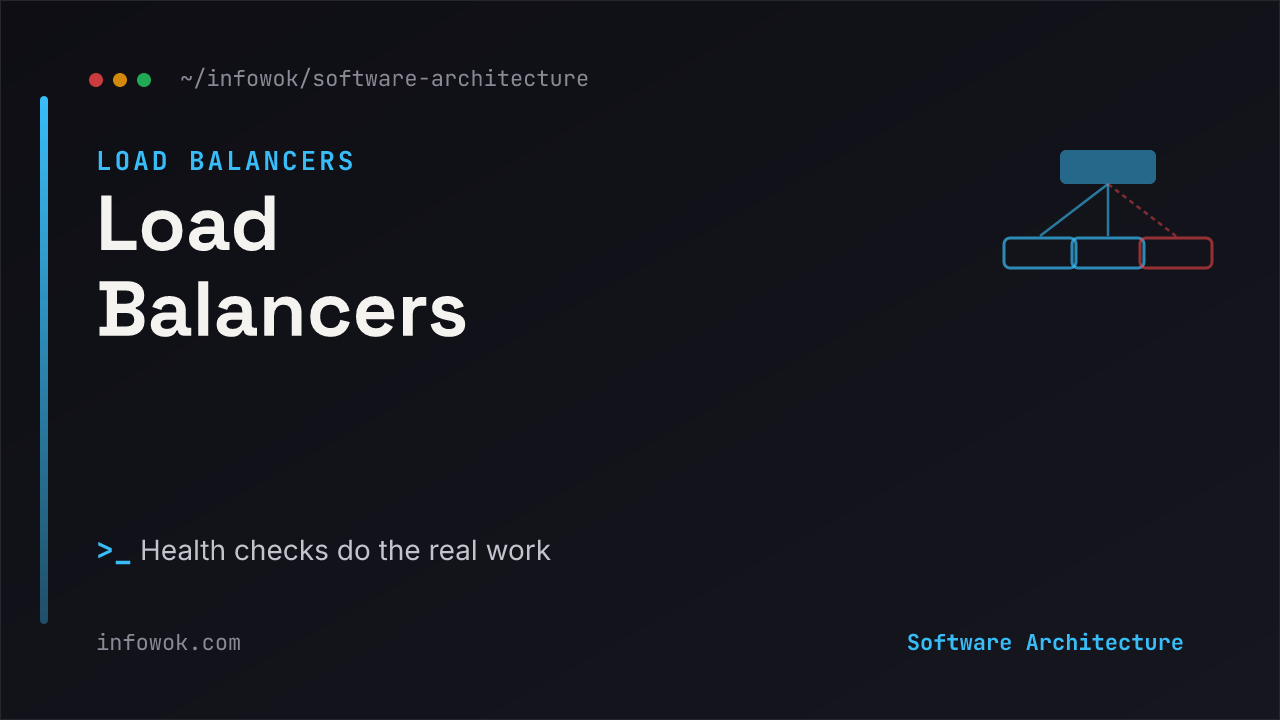
Ask most people what a load balancer does and you’ll hear “it spreads traffic evenly across servers.” True — and almost beside the point. Rotating requests across a pool is a few lines of logic; it’s the easy part. If even distribution were the whole job, a load balancer would be a rounding error in your architecture.
The reason a load balancer earns its place is quieter and far more valuable: it’s the component that knows which servers are alive. It never sends a user to a dead instance, it reroutes around failures in seconds, and it’s what lets you deploy a new version without anyone noticing. This post is part of the System Design Foundations series, anchored by the System Design Building Blocks overview. By the end you’ll see why load balancing is really an availability tool wearing a distribution costume.
- The distribution is trivial; the health checking is the point. A load balancer’s real value is routing around dead or degraded servers before a user hits one.
- L4 vs L7 is about how much it reads: L4 forwards raw connections fast; L7 reads the HTTP request to route on content, terminate TLS, and rate-limit.
- It’s also your zero-downtime deploy tool — drain one server, update it, return it to the pool, repeat.
What a Load Balancer Actually Buys You#
Put a load balancer in front of two identical servers and you’ve bought three things, only one of which is “spread the load.” The first real win is availability: if a server crashes, the balancer notices and stops sending it traffic, so the outage is invisible instead of catastrophic. The second is elasticity: you can add or remove servers behind it without clients ever knowing the pool changed. The third is zero-downtime deploys: drain connections from one instance, ship the new version, put it back, and roll through the fleet — no maintenance window.
Notice that all three are about change and failure, not throughput. As Cloudflare’s load balancing overview puts it, the balancer’s job is to keep traffic flowing to servers that can actually serve it. Even distribution is a nice side effect. Surviving a dead server is the reason it exists.
L4 vs L7: Two Places to Balance#
Load balancers come in two flavours, and the difference is simply how much of the request they read.
An L4 (transport-layer) balancer works at the level of TCP/UDP connections. It routes by IP and port without ever looking at the payload, which makes it extremely fast and a natural fit at the edge where raw connection volume is high. An L7 (application-layer) balancer reads the actual HTTP request, so it can route by URL path or header, terminate TLS, and apply rate limiting — the price is a little more work per request. The common production shape is both: a fast L4 balancer at the front, L7 balancers behind it doing content-aware routing. That L7 role, incidentally, is where a load balancer starts blurring into an API gateway — related, but not the same thing.
The Algorithms#
The algorithm decides which healthy server gets the next request. There are many; you’ll use two.
| Algorithm | How it picks | Best for |
|---|---|---|
| Round robin | Next server in rotation | Uniform requests, similar servers |
| Least connections | Server with the fewest active connections | Variable request cost, long-lived connections — a good default |
| Weighted | Round robin biased by server capacity | Mixed hardware in one pool |
| IP / consistent hash | Same client → same server | Session affinity, sticky caches |
| Power of two choices | Pick two at random, take the less busy | Very large or shared pools |
For most web applications, least connections is the sensible default — it naturally sends work to whichever server is keeping up, adapting to requests that cost wildly different amounts. Cloudflare’s rundown of the algorithms makes the same point: round robin is simplest, but it assumes every request and every server are equal, which they rarely are. Reach for consistent hashing only when you genuinely need a client pinned to one server.
Health Checks: The Part That Matters Most#
Here’s the mechanism that makes everything above work. A load balancer constantly asks each server, “are you okay?” — and only the ones answering “yes” get traffic. Active health checks send a synthetic probe on a timer, usually an HTTP request to a /health endpoint, and mark a server unhealthy if it fails to respond correctly. Passive health checks watch real traffic and eject a server that starts returning errors or resetting connections. The mature setup runs both: active for fast detection, passive for catching problems only real requests reveal.
In practice that’s a pool policy, not custom code:
# Load-balancer pool: least-connections + active health checks
pool:
  algorithm: least_connections
  health_check:
    path: /health        # probe each server here
    interval: 5s         # every 5 seconds
    unhealthy_after: 3   # 3 failures  -> pull from rotation
    healthy_after: 2     # 2 successes -> add back
servers: [web1, web2, web3]The single sentence that explains a load balancer: it’s not “spread the traffic,” it’s “only send traffic to servers that just told me they’re healthy.” Delete the health checks and you’ve built a machine for distributing requests evenly across broken servers.
Get this wrong and the load balancer becomes a liability — a /health endpoint that returns 200 while the app is actually broken will happily keep sending users to a dead server. The health check is only as honest as what it measures.
Balancing Inference Traffic#
Balancing traffic across LLM or inference servers looks like the classic problem, but two things bend it.
Round robin is actively wrong for GPU inference. Classic algorithms assume requests cost about the same. LLM requests don’t — a 50-token completion and a 4,000-token one are worlds apart in GPU time, and a server mid-generation is far busier than its connection count suggests. Balancing by naive round robin sends new requests to a GPU that’s already saturated. Inference-aware routing instead balances on real load signals — queue depth, KV-cache utilization, tokens in flight — which is why the control-plane layer of an AI system often does its own routing rather than leaning on a generic L7 balancer.
Health checks have to mean more. A GPU box can accept TCP connections while being effectively dead — out of memory, model not loaded, or stuck on a runaway generation. A shallow /health ping passes; the server is useless. AI systems need deeper readiness checks (is the model loaded? is the queue draining?) and aggressive timeouts, which ties directly into how you run slow, unpredictable calls in long-running AI workflows.
The GPU-serving version: don’t round-robin inference. Route on live GPU load, health-check for model-loaded-and-draining rather than just port-open, and set timeouts that assume a generation can hang.
Quick Recap#
- A load balancer is an availability tool — its real job is routing around dead servers, not splitting load.
- L4 forwards raw connections fast; L7 reads the request to route on content and terminate TLS.
- Least connections beats round robin as a default; use hashing only for affinity.
- Health checks are the mechanism that makes it all work — and they’re only as good as what they measure.
- In AI systems, balance on GPU load, not request count, and health-check for readiness, not just a live port.
Conclusion#
Load balancing gets undersold as “spread the traffic,” and that framing hides the actual value. The distribution is the part a first-year could write. The reason the component is load-bearing in every serious architecture is that it turns a pool of fragile, individually-mortal servers into a service that stays up when any one of them dies — and lets you replace them, one at a time, while users keep clicking. Judge a load balancer not by how evenly it splits traffic, but by how fast it notices a server has stopped deserving any.
What’s the worst load-balancer surprise you’ve hit — a lying /health endpoint, sticky sessions gone wrong, or round robin hammering one slow server? Tell me about it below.
- API Gateway Explained — the front door that’s often confused with a load balancer, and why it’s a different job.
- System Design Building Blocks — the decision map this component sits inside.
- Long-Running AI Workflows — running slow inference calls without wedging the system behind them.