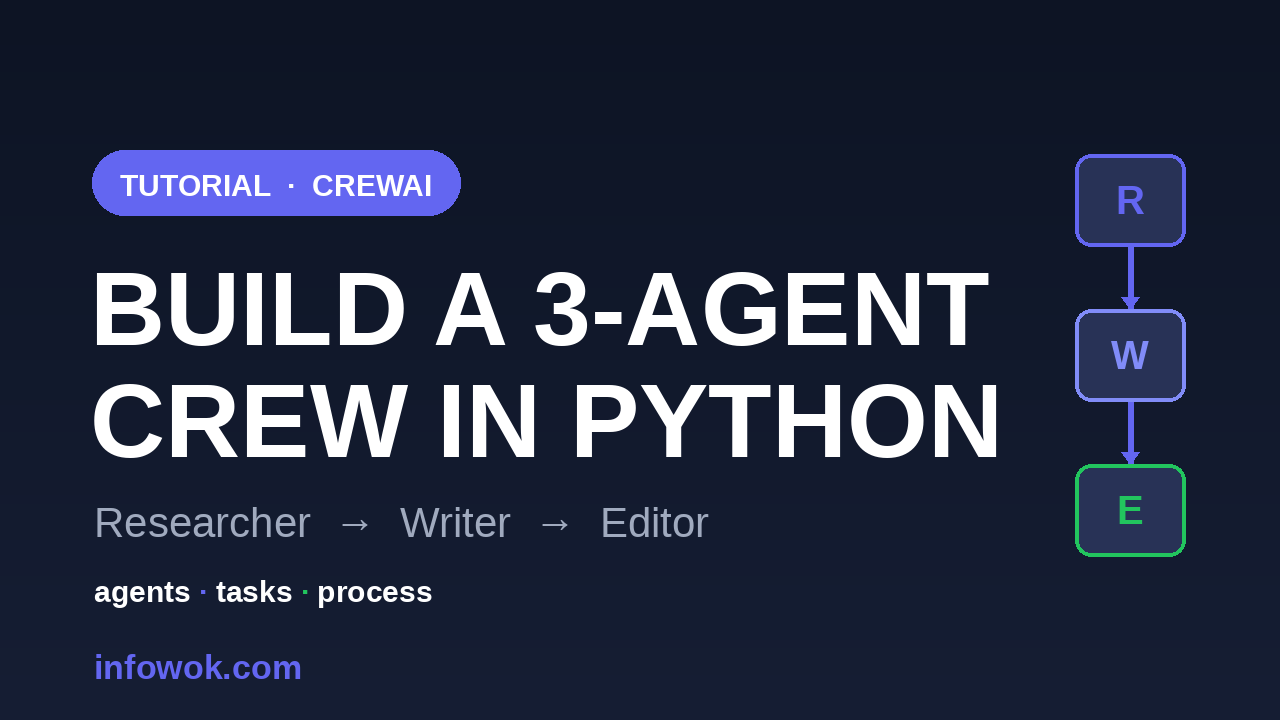
Three agents — a researcher, a writer, and an editor — turned one prompt into a finished, fact-checked article in about ninety seconds. No glue code, no manual hand-offs. This CrewAI tutorial shows you the exact Python that did it, then the part most guides skip: when a crew is the right call, and when it is quietly overkill.
CrewAI is the lowest-friction way I have found to put several agents on one job. By the end of this post you will have a working crew you can re-point at any topic — and a clear sense of when to reach for it instead of a single agent.
- You can write Python functions and run a script — see the Python for AI agents primer
- You’ve built or understand a single agent — if not, build the agent loop from scratch first
- An LLM API key (CrewAI calls a model via LiteLLM)
- A crew is three ideas: agents (workers), tasks (assignments), and a process (the order they run).
context=[...]is the hand-off — it passes one agent’s output to the next, no glue code.- Start sequential, not hierarchical: a manager adds ~30–50% more tokens for flexibility you may not need.
What a “Crew” Actually Is#
A crew is three ideas working together. An agent has a role and a goal (the “researcher” whose job is to find facts). A task is one unit of work handed to an agent (with the output you expect). A process decides how the tasks run — one after another, or steered by a manager. Bundle them into a Crew and call kickoff().
That is the whole mental model: agents are the workers, tasks are the assignments, and the process is the org chart. Once it clicks, every CrewAI example online reads the same way.
Agents do the work, tasks are the assignments, the process is the org chart. Every CrewAI tutorial is just these three pieces arranged differently.
Why split the work at all? Because one agent told to research, write, and edit in a single prompt tends to do all three at once and all three poorly — it forgets half the instructions and blurs the steps together. Giving each step its own agent, with its own narrow goal, keeps every stage focused and the output far more consistent.
That division of labour is the entire reason CrewAI exists. The rest of this CrewAI tutorial builds on exactly those three pieces — agents, tasks, and a process — so keep the diagram above in mind. Let’s build the crew.
Your First Crew: a Hands-On CrewAI Tutorial#
Here is a complete, runnable researcher → writer → editor crew. Install with pip install crewai, set your OPENAI_API_KEY, and run it.
from crewai import Agent, Task, Crew, Process

researcher = Agent(
    role="Researcher",
    goal="Find accurate, current facts about {topic}",
    backstory="A meticulous analyst who never guesses.",
    llm="gpt-5.4-mini",
)
writer = Agent(
    role="Writer",
    goal="Turn the research into a clear, engaging article",
    backstory="A developer-turned-writer who explains things simply.",
    llm="gpt-5.4-mini",
)
editor = Agent(
    role="Editor",
    goal="Tighten the draft and fix any errors",
    backstory="A sharp editor who cuts fluff.",
    llm="gpt-5.4-mini",
)

research = Task(
    description="Research the key facts about {topic}.",
    expected_output="A bullet list of 5 verified facts.",
    agent=researcher,
)
write = Task(
    description="Write a 300-word article from the research.",
    expected_output="A 300-word draft.",
    agent=writer,
    context=[research],          # the writer sees the researcher's output
)
edit = Task(
    description="Edit the draft for clarity and accuracy.",
    expected_output="The final, polished article.",
    agent=editor,
    context=[write],
)

crew = Crew(
    agents=[researcher, writer, editor],
    tasks=[research, write, edit],
    process=Process.sequential,
    verbose=True,
)

result = crew.kickoff(inputs={"topic": "AI agent frameworks in 2026"})
print(result)
Run it and you watch the team work in your terminal: the researcher returns facts, the writer drafts from them, the editor polishes. The context=[research] line is the quiet hero — it passes one agent’s output to the next, which is the hand-off you would otherwise wire by hand. The {topic} placeholder gets filled from the inputs you pass to kickoff(), so the same crew works for any subject.
Two details make this easier to live with. First, verbose=True prints each agent’s reasoning and output as it runs — this is how you debug a crew, because you can see exactly which hand-off went wrong instead of guessing.
Second, kickoff() does not return a plain string; it returns a CrewOutput object. result.raw holds the final text, and you can still reach each task’s individual output if you need the intermediate research or the unedited draft. For a quick script, printing result directly is fine — it renders the final article.
Roles, Goals, and Tools That Don’t Fight Each Other#
The first time I built a crew, my agents stepped on each other — the writer re-researched, the editor rewrote from scratch. The fix is not more code; it is sharper role boundaries. Give each agent one job and a goal narrow enough that it has no reason to wander into another’s lane.
Agents get more useful when you hand them tools — a function the agent can call, like a web search or a calculator:
from crewai_tools import SerperDevTool

researcher = Agent(
    role="Researcher",
    goal="Find current facts about {topic}",
    backstory="A meticulous analyst who never guesses.",
    tools=[SerperDevTool()],     # now it can actually search the web
    llm="gpt-5.4-mini",
)
Two rules keep crews calm. First, give tools only to the agent that needs them — the editor does not need web search, so do not give it one. Second, keep allow_delegation=False (the default on a plain agent) unless you genuinely want agents handing work to each other, because uncontrolled delegation is how a tidy crew turns into a noisy meeting.
Two more levers shape behaviour more than beginners expect. The backstory is not flavour text — it steers how the agent acts, so a researcher whose backstory says it “never guesses” is noticeably more cautious than one without that line. The bigger lever is expected_output: the sharper you describe what you want, the less the agents drift.
Treat expected_output like an acceptance test. “A bullet list of 5 verified facts” gives the model a concrete target; “some research” invites a rambling essay nobody asked for.
Sequential vs Hierarchical — and When Each Wins#
CrewAI gives you two ways to run the same agents, and picking the wrong one wastes money. The example above uses Process.sequential: tasks run in the exact order you list them. It is predictable, cheap, and right for any job with a clear pipeline.
Process.hierarchical is the other option. You add a manager — set manager_llm="gpt-5.4-mini" and CrewAI creates a coordinator agent that decides which agent handles each task and reviews their work. It is more flexible for open-ended jobs, but it is not free: the manager makes extra model calls, so expect roughly 30–50% more tokens than sequential for the same crew.
Reaching for hierarchical because it sounds smarter. For a fixed researcher → writer → editor flow, sequential does the same job for less money. Use hierarchical only when you genuinely cannot predict the order of work up front.
My rule: start sequential, and only move to hierarchical when the task order truly depends on what the agents find. Most crews never need to switch.
When a Crew Is the Wrong Tool#
Here is the honest part the framework’s own docs won’t lead with: a crew is overkill for a lot of jobs. If your task is really one agent calling a few tools in a loop, a multi-agent crew adds coordination cost — more tokens, more latency, more ways to fail — for no benefit.
Reach for a crew when the work splits cleanly into distinct roles that benefit from separation, like research vs writing vs editing. Stick with a single agent when one model with a couple of tools can finish the job.
If you have never built that simpler version, do it once. I walk through a no-framework agent in the AI agent loop in Python, and seeing the bare loop makes it obvious when a crew is earning its keep and when it is just ceremony.
A good gut check: if you cannot name a real reason each agent exists, you probably want one agent, not three.
Common Errors When Your Crew Misbehaves#
Most first crews fail in the same few ways. Here are the ones I hit, and the fix for each:
- Agents repeat each other’s work. The writer re-researches, the editor rewrites. The cause is overlapping goals. Narrow each agent’s
goalso there is no reason to stray, and usecontext=[...]so later agents trust the earlier output instead of redoing it. - The output ignores your instructions. Usually the
expected_outputis too vague. Make it specific and testable — a length, a format, a count — so the model has a clear target. - A missing or wrong API key. CrewAI calls a model under the hood (via LiteLLM), so it needs the provider’s key in your environment. A blank result or an auth error almost always means
OPENAI_API_KEYis not set. - Surprise costs. Every agent and every manager call hits the model. If a run feels expensive, count your tasks and check whether you accidentally chose
hierarchical— that manager overhead adds up fast.
None of these are deep bugs; they are the tax on coordinating several agents. Fix them once and the pattern holds for every crew you build after.
Conclusion#
This CrewAI tutorial built a real crew — three agents, three tasks, one sequential process — that takes a topic and returns a finished article, in about forty lines. You also learned the two things most tutorials skip: how to keep roles from colliding, and when a crew is the wrong tool entirely. That judgment is what makes you effective with CrewAI, not just able to run it.
Which three-agent crew would you build first — research, support triage, code review? Tell me in the comments; I am curious what people reach for.
Read next: LangGraph vs CrewAI vs AutoGen (2026) to choose the right framework, and the complete guide to AI agents for the bigger picture. Building a production multi-agent system? See multi-agent systems in the build series. Official reference: the CrewAI docs.
- New to agents? Start with What are AI agents?, then build one from scratch.
- Choosing a framework? LangGraph vs CrewAI vs AutoGen compares the options.
- Going to production? Multi-agent systems in the build series hardens this pattern.
