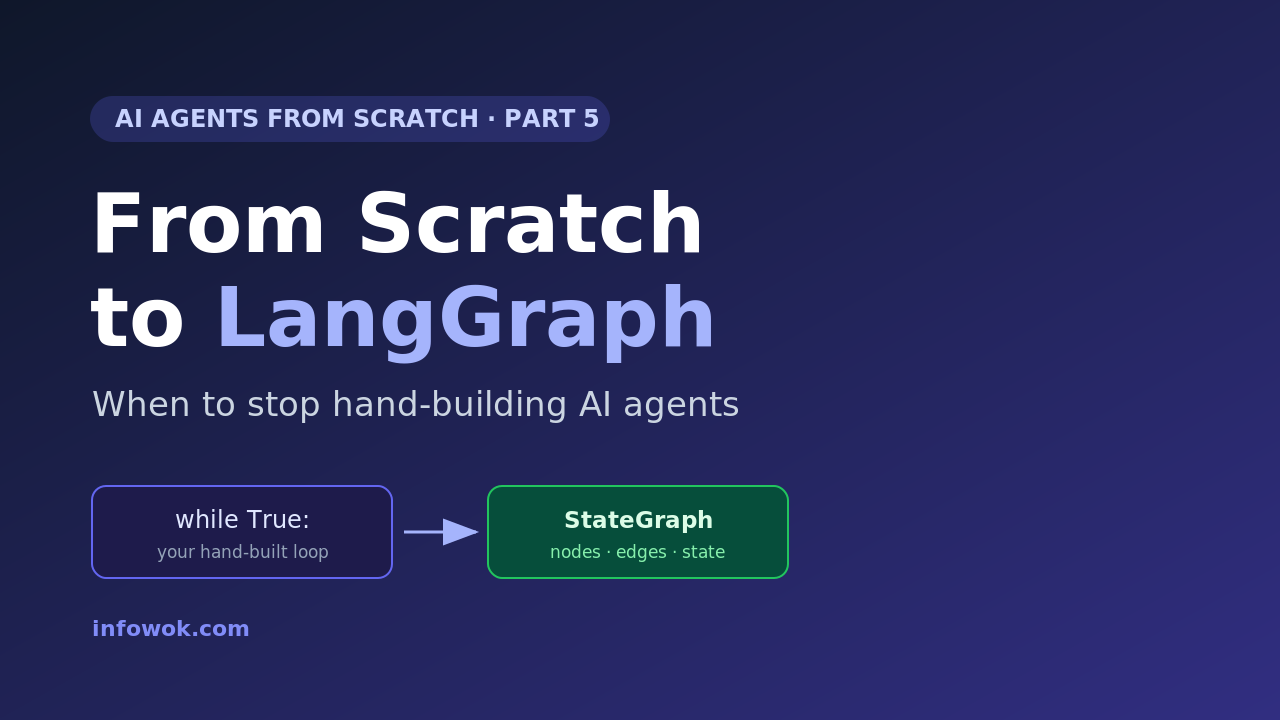
Series: AI Agents from Scratch in Python This is Part 5, the finale. So far: Part 1 made an LLM call, Part 2 added tools, Part 3 wrapped them in the agent loop, and Part 4 gave it memory. Now we answer the question that started this series in reverse: when to use LangGraph instead of the loop you just hand-built.
You don’t need a framework to build an AI agent — you’ve now built one without one. The move from scratch to LangGraph isn’t about whether your code works. It already does. It’s about four problems that push you toward a framework sooner or later. Pretending they won’t just wastes your afternoon. So this post draws a clear line: here is when LangGraph earns its place, and when plain Python is still the better call.
I’ll say the unpopular part first. For a single agent that runs once and exits, your hand-built loop is better than LangGraph — fewer moving parts, nothing to learn, easy to read. Frameworks start paying off at the second or third feature, not the first.
- You already built the hard part. LangGraph is your loop, tools, state, and routing — with durability bolted on.
- Four walls trigger the switch: complex branching, persistence across runs, automatic retries, and tracing.
- Plain Python still wins for simple, single-shot agents — reach for the framework when the walls actually appear, not before.
What Hand-Built Agents Are Bad At#
Your scratch agent is great at exactly one thing: being small enough to understand. The trouble starts when it has to be reliable, and four weaknesses show up in roughly this order.
State gets messy. In Part 3, control flow lived in a while loop and a few variables. Add three tools, a retry path, and a “should I stop?” check, and that loop becomes a tangle of flags you have to hold in your head.
There are no retries. When a tool call fails or the model returns junk, your try/except is the whole safety net. Real agents need to retry a step, fall back, or route around the failure — and you’d hand-write every bit of that.
Branching doesn’t scale. A dispatch table (the dict that maps a tool name to a function) handles a handful of paths. Once the model needs to choose between many sub-flows, hand-rolled routing gets fragile fast.
Nothing persists, and nothing is visible. Close the program and the agent forgets everything (you saw this in Part 4). And when a ten-step run goes wrong, print() is a poor way to find which step broke.
I felt all four at once on a small research agent. It worked in the demo. Then I added a second tool, a retry, and a “stop when done” rule — and the loop grew three new flags I had to track by hand. Each fix was easy alone; together they turned 30 clean lines into a knot. That knot is the real signal. It isn’t that your code is bad — it’s that you’re now maintaining plumbing a framework already ships.
None of these are reasons your scratch agent is wrong. They are the bill that comes due when an agent moves from a demo to something people depend on.
Your Scratch Agent, Mapped Onto LangGraph#
Here is the reassuring part: LangGraph doesn’t replace what you learned — it formalizes it. Every piece you hand-built has a direct equivalent, so reading a LangGraph graph feels familiar, not foreign.
The mapping is almost one-to-one:
| What you hand-built | LangGraph equivalent | What you gain |
|---|---|---|
while True: loop | StateGraph (nodes + edges) | a structure that scales without rewrites |
if/else + dispatch table | conditional edges | routing that stays readable as paths grow |
messages = [...] list | typed graph State | one shared, validated state object |
try/except + manual retries | built-in retry / error handling | reliability you configure, not code |
| forgets on exit | checkpointer | pause, resume, and survive a restart |
print() debugging | tracing (LangSmith) | a timeline of every step in a run |
Read that table top to bottom and you’ve read the whole value proposition. A framework is not magic; it is the parts you already built, made durable. That is why building from scratch first was worth it — you can now look at any node and edge and know precisely what it stands for.
The Decision Rule: When Plain Python Still Wins#
Frameworks have a cost too — a dependency to track, an API to learn, and a layer of indirection between you and the model. So the rule I use is simple and a little contrarian: stay on plain Python until you hit a wall you’d otherwise have to build around.
Concretely, keep your scratch agent when:
- It’s a single agent with a handful of tools that runs and exits.
- You can still explain the entire control flow in one breath.
- You don’t need to resume a run or persist state across sessions.
- You’re prototyping and want zero indirection between you and the model.
Reach for LangGraph the moment you need two or more of these: multi-step branching the model controls, persistence across runs, automatic retries and fallbacks, human-in-the-loop approval gates, or production-grade tracing. One feature is a maybe; two is a yes.
If you find yourself re-inventing one of the table’s right-hand items — writing your own checkpoint store, your own retry policy, your own trace log — stop. That’s the signal you’ve outgrown scratch code, and the framework already solved it.
Make the Jump: From Scratch to LangGraph#
When the walls do appear, the move is smaller than you’d think. LangGraph reached a stable v1.0 in late 2025, and the prebuilt agent is a single call — your whole Part 3 loop, condensed:
# pip install langgraph langchain
from langchain.agents import create_agent

def get_weather(city: str) -> str:
    """Return the weather for a city."""
    return f"It's sunny in {city}."

agent = create_agent(model="openai:gpt-5.4-mini", tools=[get_weather])
result = agent.invoke({"messages": [{"role": "user", "content": "Weather in Pune?"}]})
print(result["messages"][-1].content)
That one call runs the same Thought → Action → Observation loop you wrote by hand. When you need control over the graph itself, you drop down to StateGraph — add_node, add_edge, and conditional edges — which is the explicit version of your loop and dispatch table. To make it persist, compile with a checkpointer and pass a thread_id:
from langgraph.checkpoint.memory import InMemorySaver
# graph = builder.compile(checkpointer=InMemorySaver())
# graph.invoke(state, config={"configurable": {"thread_id": "user-1"}})
That checkpointer is the persistence your scratch loop never had — swap InMemorySaver for SqliteSaver or PostgresSaver and the agent remembers across separate runs. If you want to weigh LangGraph against other frameworks before committing, I compared them in LangGraph vs CrewAI vs AutoGen.
Conclusion#
You started this series unable to call an LLM, and you’re ending it able to read a LangGraph graph and know exactly what every node does — because you built each piece by hand first. That is the whole point of going from scratch to LangGraph in this order: the framework stops being a black box and becomes a set of conveniences you can name. Loop, tools, state, memory, routing — you wrote them all; LangGraph just makes them durable.
So don’t adopt a framework out of FOMO. Adopt it when you hit a wall — branching, persistence, retries, or tracing — and not a moment sooner. The dev who built the loop by hand always makes the better call about when to leave it behind.
Which wall pushed you to a framework first — persistence, branching, or just debugging a long run? Tell me in the comments.
Read next: Build an Agentic AI App in Python (Part 1) — the build series picks up exactly here, taking a LangGraph agent from your laptop to production.
- Catch up on the series: Part 3 — the agent loop and Part 4 — memory are the pieces LangGraph wraps.
- Build the framework version: the LangGraph tutorial builds your first graph hands-on.
- Going to production? The build series, Part 1 takes a LangGraph agent off your laptop.
