A team ships the notification service from the previous lesson. It decides once, stores first and nudges with an id. For a month it works.
Then a region goes dark at 2 a.m., one second after a login code left. A marketing text lands in a customer’s bedroom at 6 a.m. A security review asks who is allowed to send “password reset”. An interviewer, having heard the happy path, says the sentence that fills the last twenty minutes: “Now what breaks?”
A design is not finished until you can say how it fails, who may call it, and what you watch.
- The working design from Design a Notification Service: decide, store, queue, deliver, lanes.
- Design a rate limiter, for the per-caller quotas.
Why can a worker retry a job it is not sure it finished? The job carries only an id, the worker loads the stored record, and a duplicate check on that id stops a second alert.
- Walk a failure table component by component: what dies, what users see, and the answer already designed in.
- Give each user one home region and declare failovers, so a user never has two senders; a rare repeat is cheaper than strong cross-region consistency.
- Authenticate every caller and authorize by event type, so one service cannot send another service’s messages.
- Treat opt-out and send hours as design inputs: separate transactional and marketing types, a suppression list, a time zone per user.
- Watch the age of the oldest urgent job: it shows a late login code before a user does.
Defend a working notification design in the second half of a system design round: name what fails and which part answers it, place the service in two regions, restrict who may publish, apply opt-out and send-hour rules, and answer the usual follow-ups within a 45-minute plan.
Predict first. If the decide step is down, should a login code still go out? Decide before you read the first row of the table below.
What Breaks, and What Do You Watch?#
| If this dies | What happens | Answer |
|---|---|---|
| Decide step | No new notifications | Producers retry with the same key. Choose the default: fail open for codes, closed for marketing |
| Queue | Accepted events stall | The inbox keeps the record; a sweep re-queues stuck “pending” rows |
| A worker | The job is delivered again | The duplicate check by id makes it safe |
| A provider | Errors and timeouts | Backoff, expiry, dead-letter queue; codes fall back to SMS |
| Inbox store | Cannot save | Do not send; return an error so the producer retries |
| A region | See the regions section below | Declared failover, a short TTL, a collapse id |
Watch the age of the oldest job in each lane, provider errors by status code, dead-letter depth, and token removals per hour. Assume a goal of handing 99% of login codes to a provider within 5 seconds (a made-up target), and alert when the oldest urgent job nears that. Such a target is called an SLO.
The oldest urgent job tells you a login code is late before a user does. Provider callbacks show delivery; open tracking needs a client event and is out of scope.
Cost and rollout (design judgement): SMS is billed per message while push is not, so fall back to SMS only for codes. Migrate one event type at a time behind a flag, run the new path in shadow (decide and store, do not push), compare it with the old one, and copy preferences over before the cutover.
Where Does It Run, and Who May Call It?#
The inbox is partitioned by user and copied to a second region, and the copy lags.
Run in one region, with backups restorable in another.
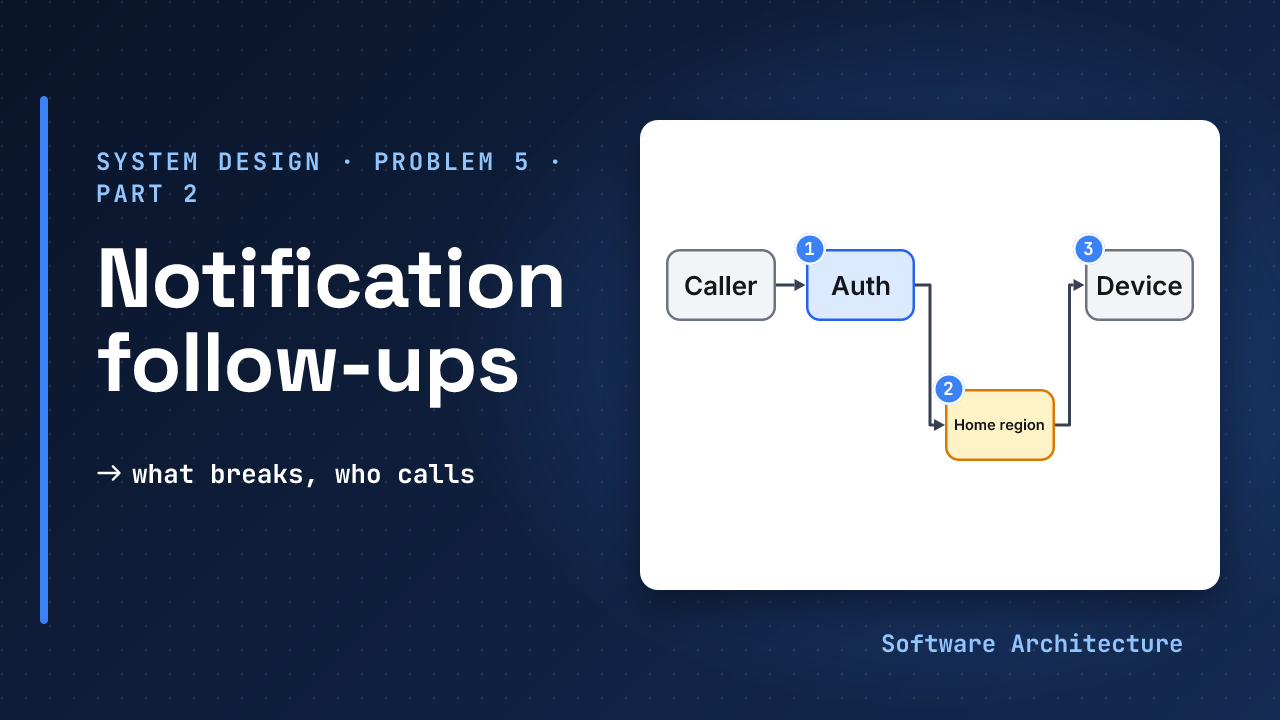
Route each event to the user’s home region. Only that region decides, stores and sends for the user, and its inbox is copied to the other region. Both regions call the same providers.
Region B takes over A’s users only after a failover is declared, not on a network blip, so a user never has two senders. A job A sent just before failing can go out again from B, because its “sent” status had not arrived. A short TTL and a collapse id, which APNs uses to merge notifications, turn that repeat into a replacement, not a second alert.
Which Store Holds the Inbox?#
The inbox is written once, read as one user’s newest-first list, and deleted when it ages out, which suits a key-value or wide-column store keyed by user and sorted by time (see SQL vs NoSQL). DynamoDB’s per-item TTL deletes expired items typically within a few days, so retention is cheap but not exact, and workers must still check expires_at.
Preferences are small and read consistently, so keep them in a relational database.
Who May Publish an Event?#
POST /events is internal. A caller authenticates with an OAuth 2.0 client credentials token, or mutual TLS (RFC 8705). Then authorize by event type: the order service may send “order shipped”, not “password reset”. Give each caller a token-bucket quota and answer 429 past it, so one buggy service cannot fill the urgent lane.
Opt-Out, Consent and Send Hours#
Some rules come from law, not product taste. This is design guidance, not legal advice; check the rule for your market with counsel.
| Rule | What it asks | What it forces in the design |
|---|---|---|
| US TCPA hours | No telephone solicitations before 8 a.m. or after 9 p.m. at the called party’s location (47 CFR 64.1200(c)(1)) | Store a time zone per user; the scheduler holds marketing SMS until the window opens |
| CAN-SPAM | Stop commercial email within 10 business days of an opt-out request (15 U.S.C. 7704(a)(4)) | A suppression list the decide step reads; apply opt-outs at once |
| GDPR Article 21 | After an objection, personal data is no longer processed for direct marketing | An opt-out per purpose, applied to campaign lists too |
| Gmail bulk senders | Over 5,000 messages a day to Gmail: one-click unsubscribe, spam rate under 0.30% | Marketing email carries unsubscribe headers; keep it on a separate stream from codes |
Keep transactional and marketing as separate types with separate opt-outs, so turning off promotions never blocks a login code, and log every opt-in and opt-out.
Follow-Ups the Interviewer Will Ask#
Expect these follow-ups after the main design; back each answer with a trade-off and a number. The 10x row builds on the previous lesson’s assumed peak of 11,600 events a second.
| Follow-up | Strong short answer |
|---|---|
| 10x traffic (≈ 116,000 events a second at peak) | Add queue partitions and workers. The binding limit is the provider: FCM’s default is 10,000 a second, and an increase goes through Firebase Support, requested at least 15 days ahead |
| One event, 10 million recipients | Do not fan out in the request. A fan-out job splits users into ranges and feeds the bulk lane |
| A provider is down | Retries and expiry, a dead-letter queue, SMS fallback for codes only |
| Exactly once? | No. At-least-once, an id check, and a collapse id |
| Millions of timed sends | Bucket by send-at minute; a scheduler per partition queues each bucket when due |
| A user has five devices | One job and one id per device; the inbox holds one record |
| Languages | Template id plus locale and version; fall back to a default language |
A 45-minute plan: 5 for requirements and assumptions, 5 for numbers and API, 10 for the inline design and queue, 20 for deep dives, 5 for failures and wrap-up.
Cover the right-hand column of the table and say each answer aloud in one breath. Do it again tomorrow without the cover.
The 45-Minute Plan#
Spend the round in this order: 5 minutes for requirements and assumptions, 5 for numbers and API, 10 for the inline design and queue, 20 for deep dives, and 5 for failures and wrap-up. The failure table and the follow-ups above are what the last 5 minutes, and any spare deep-dive time, are for.
Try It: A Marketing Text at 7:30 p.m. Pacific#
A campaign job for a marketing SMS reaches the scheduler at 7:30 p.m. Pacific. The user’s stored time zone is New York (Eastern, 3 hours ahead). Assume this text counts as a telephone solicitation under the 8 a.m. to 9 p.m. rule in the table above.
- What is the local time for the user, and may the text go now?
- What should the scheduler do?
- The same user requests a login code at the same moment. What happens to it?
Hint
Convert to the user’s clock first. Then ask which message types the send-hour rule applies to.
One reasonable answer
7:30 p.m. Pacific
  + 3 hours
  = 10:30 p.m. Eastern
That is after 9 p.m., so hold the text. Save it with a send-at time of 8 a.m. Eastern the next day and let the scheduler queue it then.
The login code is a transactional type, so the marketing hold does not apply and it goes out at once through the urgent lane.
Check Yourself#
1.Why does the failure table say 'do not send' when the inbox store cannot save?
Without a saved record there is nothing to retry from and nothing to check a duplicate against. Return an error so the producer retries with the same key.
2.What would change if region A failed one second after sending a login code?
Region B takes over A’s users once failover is declared, but the “sent” status may not have been copied yet, so B can send the code again. A short TTL and a collapse id make the repeat replace the first alert.
3.The order service publishes the event type 'password reset'. What stops it?
Authorization by event type. Authentication proves who the caller is; the allow-list per caller decides what it may send. The rejected call also counts against that caller’s quota.
In One Picture#
Failures
  each row: what dies, the answer
Regions
  one home region per user,
  declared failover
Callers
  authenticate, authorize by
  event type, then quota
Rules
  opt-out and send hours feed
  the decide step
Watch
age of the oldest urgent jobConclusion#
The working design carries the first half of the round. This half decides whether the interviewer believes you could run it.
Which row of the failure table would you check first on your own system? Tell us in the comments.
- The design this lesson hardens: Design a Notification Service.
- Per-caller quotas: design a rate limiter.
- After the notification service: a file storage service, where a dropped upload must resume.